Build your groove
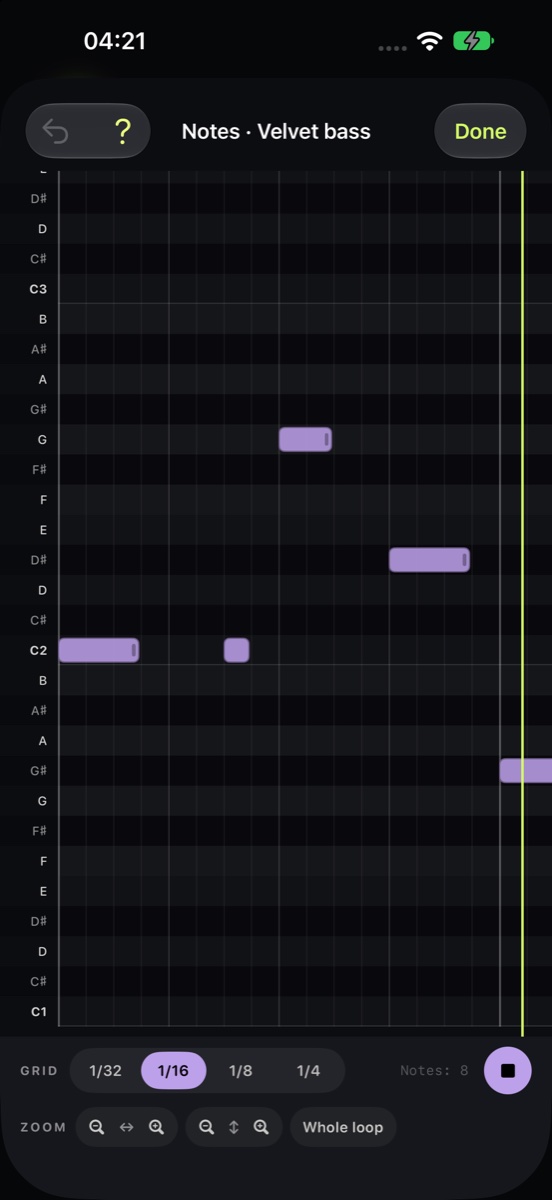
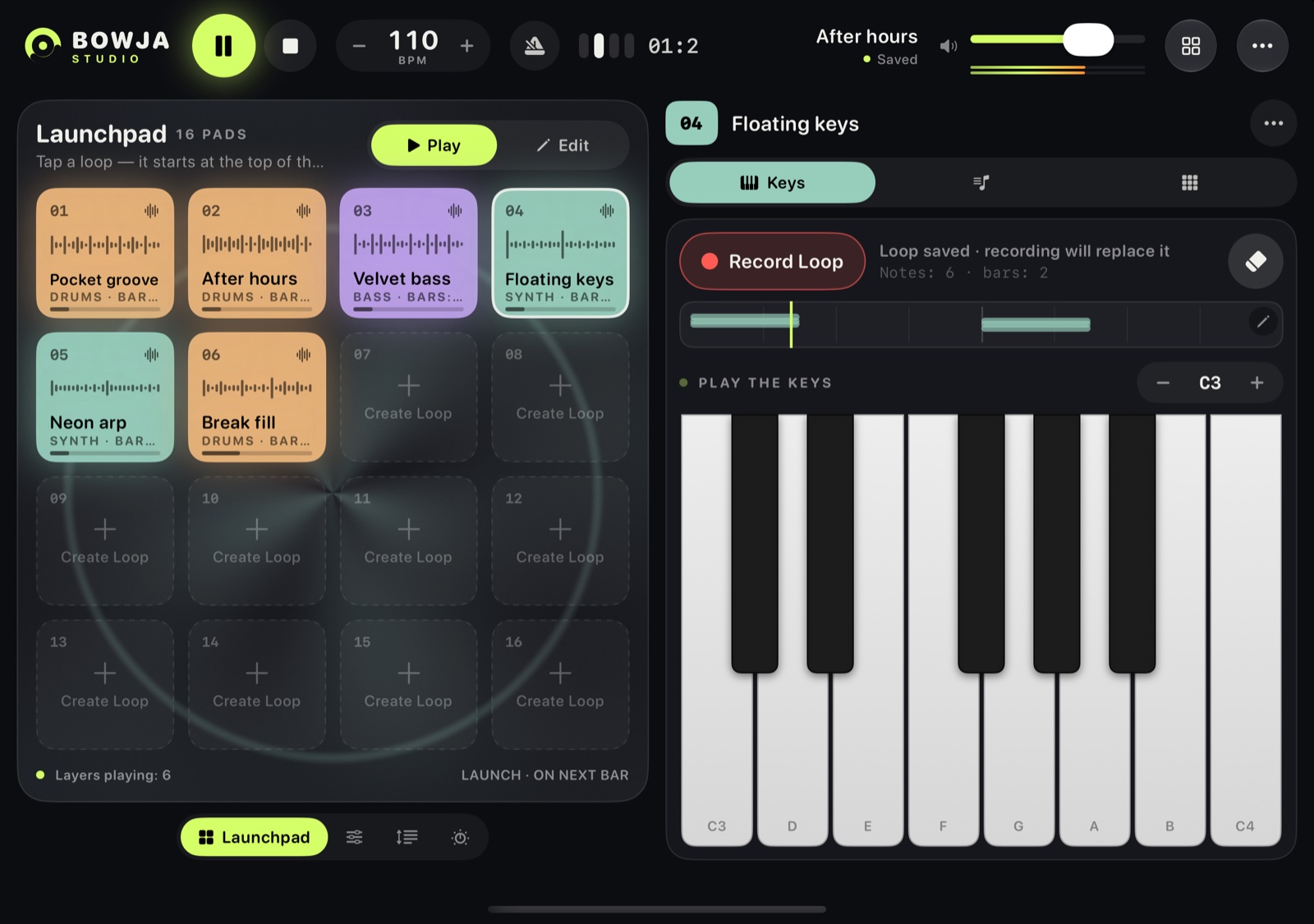
Sixteen pads hold your loops. Bring a part in on the next bar, layer drums, bass and synths, then open the note editor to refine the take.
 BOWJA STUDIO
Start with a rhythm. Add a bassline, a few chords, a sound of your own. Play, record a loop and build around it, with projects that follow you through iCloud.
Free · Preparing for App Store release
iPhone · iPad · Mac
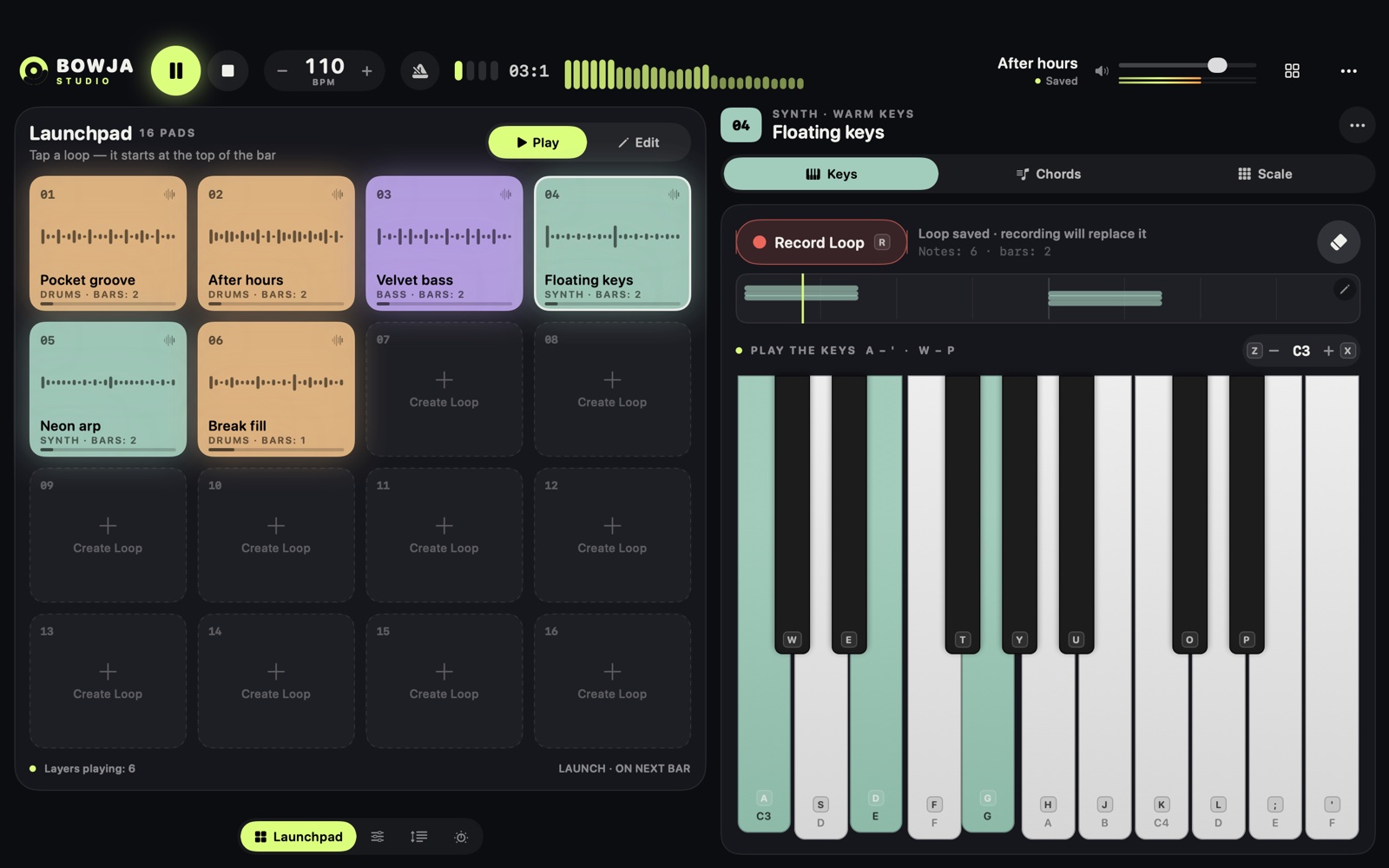
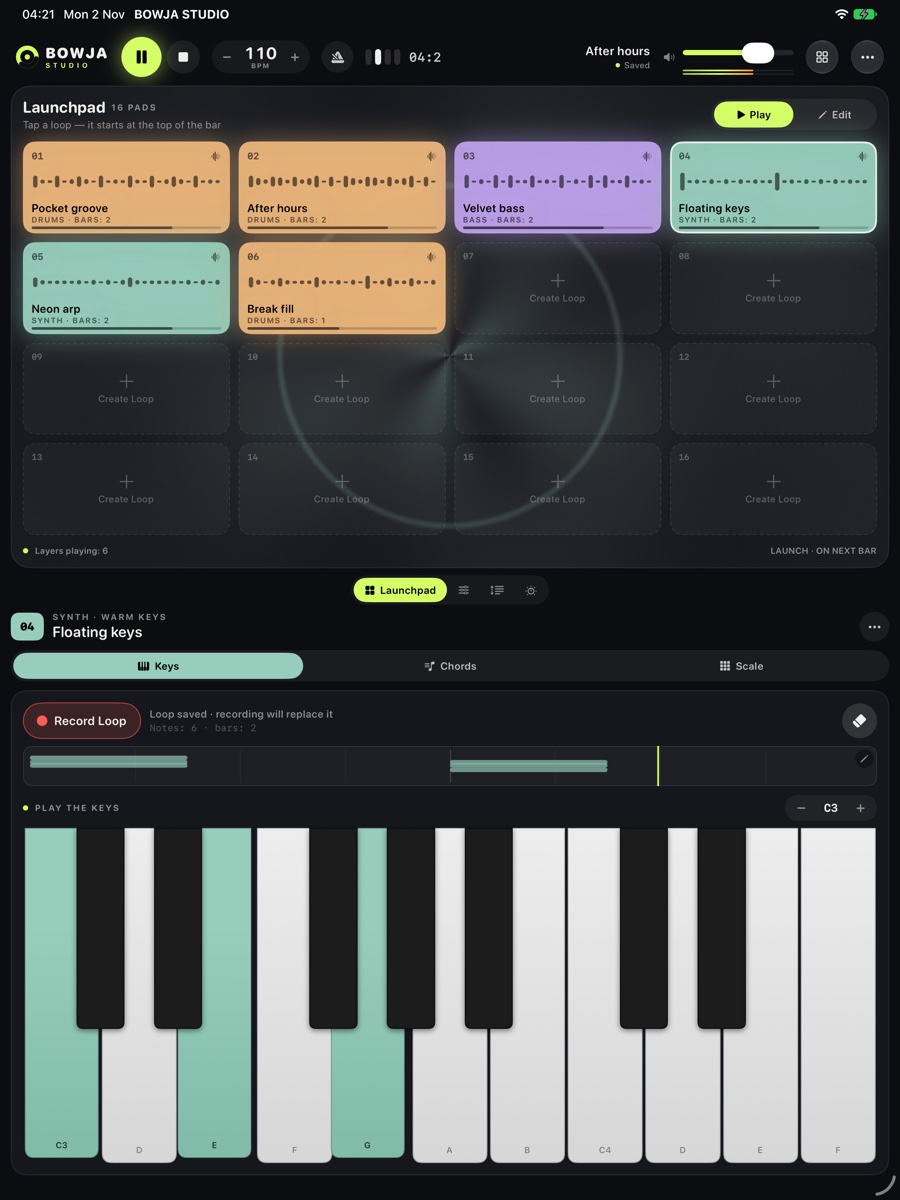
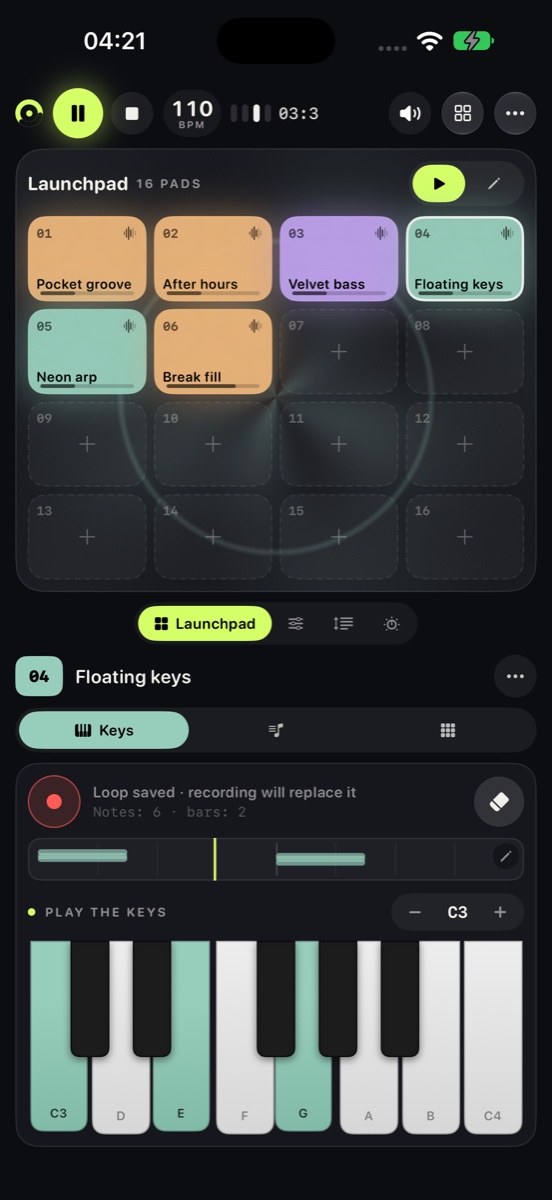
Start a beat on iPhone. Add a part on iPad. Keep shaping it on Mac. Your projects sync automatically through your private iCloud when available.
Sixteen pads hold your loops. Bring a part in on the next bar, layer drums, bass and synths, then open the note editor to refine the take.
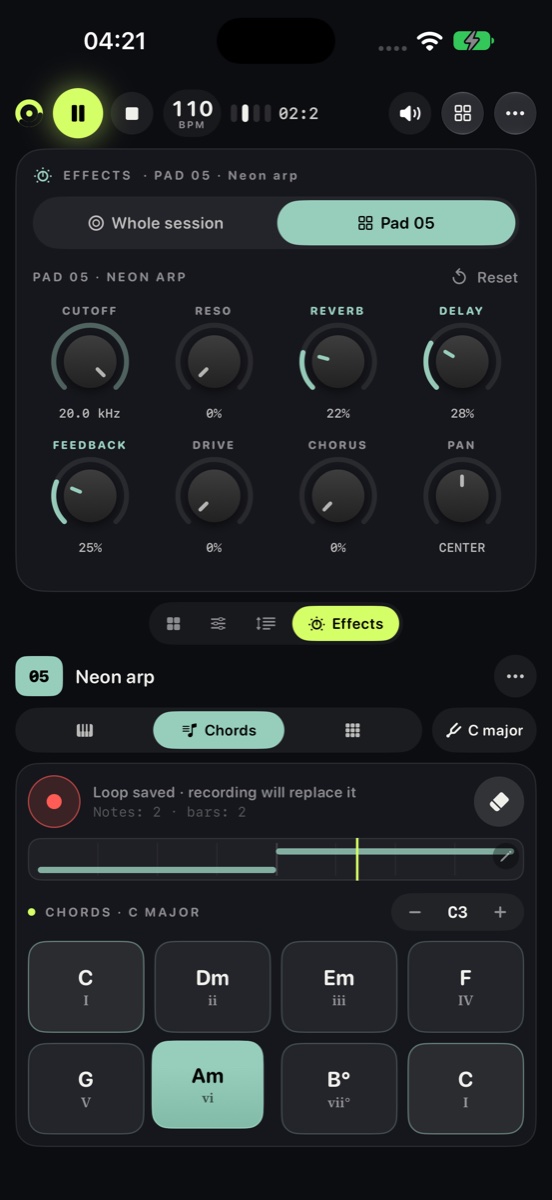
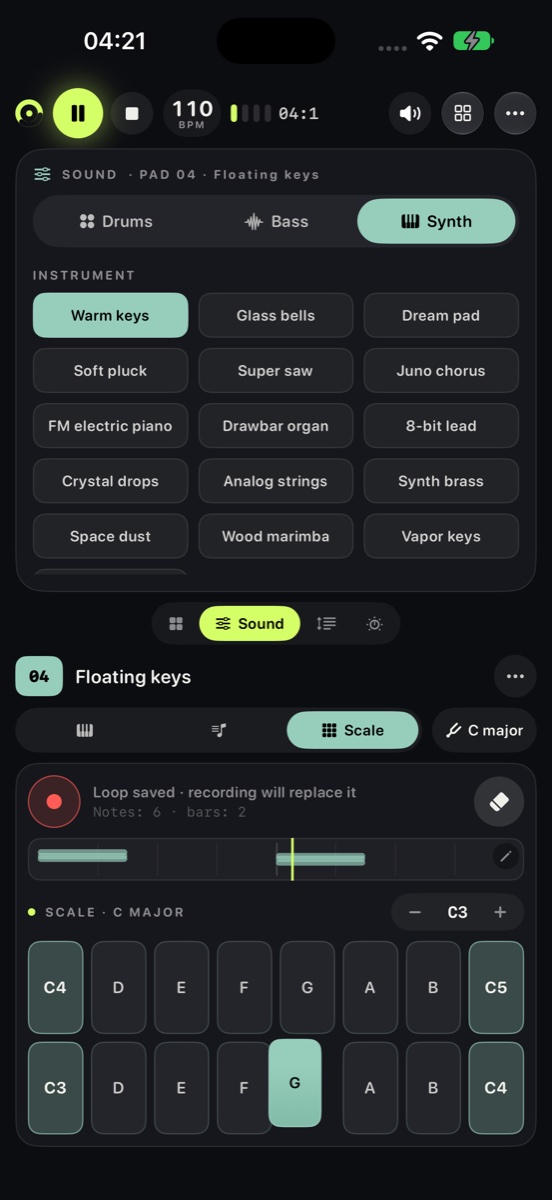
Explore 30 drum, bass and synth presets. Shape a part with filters, reverb, delay and drive, or turn a held chord into a pattern with the arpeggiator.
Projects save automatically and sync through your private iCloud when available. Keep working offline, continue on another device or export your project and audio.
Real app screens on iPhone, iPad and Mac. Select a screenshot to explore.
Questions, feedback or a problem with BOWJA STUDIO? Contact our support team.
SupportBOWJA STUDIO keeps projects on your device and, when available, in your personal Apple iCloud. The developer does not receive your project library.
Privacy PolicyScreenshots show the app in English. BOWJA STUDIO is preparing for its first App Store release.